 Coverton Blog
How to extract selected PDF pages using the correct page positions
Create a separate PDF when you need to send only part of a document. The selection refers to positions counted from the first page of the file, which may differ from numbers printed on the pages themselves.
Open the tool →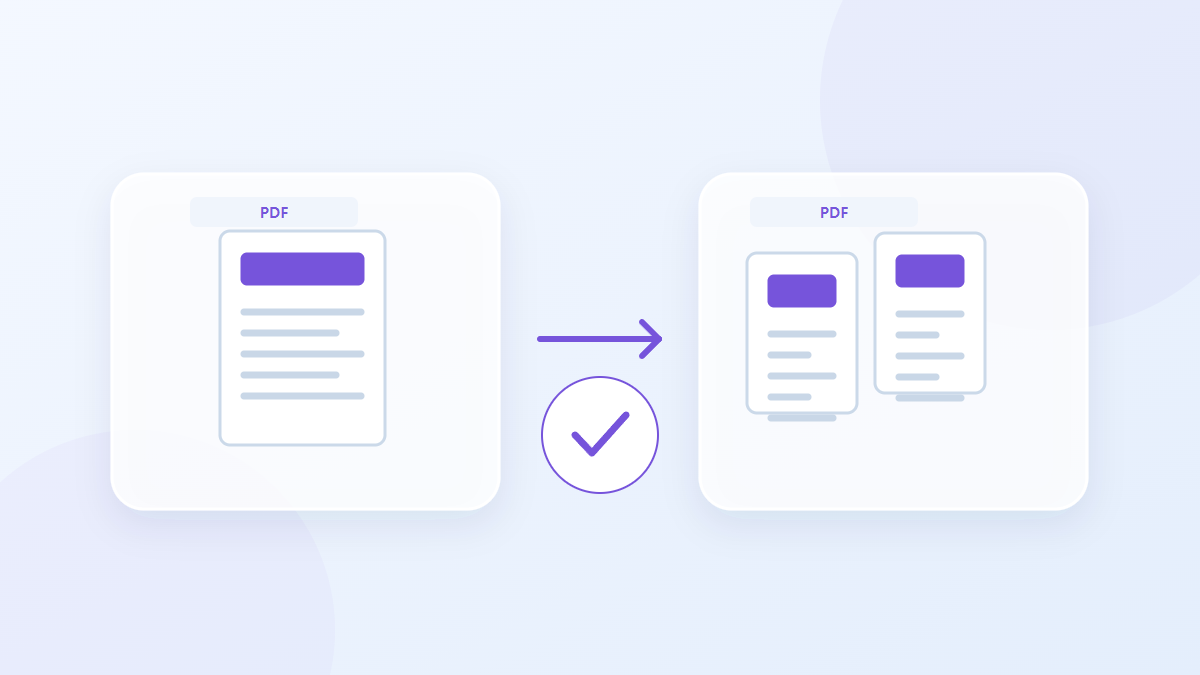
How to use this tool
- Choose files in PDF format. Maximum files per batch: 1.
- Review Page numbers and ranges, then start processing.
- Download the PDF result and check its content and quality.
Choose the right settings
Enter numbers and ranges such as 1-3,5 in the page field. If a cover shifts the numbering, inspect the positions in a PDF viewer before choosing the range to extract.
- Supported input
- Output
- Available settings
- Page numbers and ranges
Example input and output
5-page PDF + 1,3-4 → 3-page PDFExamples describe the workflow. Results depend on the source file and settings.
Check the result before you save
Confirm that the output begins and ends with the intended content. For several selected ranges, inspect each boundary and compare the final page count with the pages you requested.
If the result is different from what you expected
Invalid ranges or page numbers outside the document cannot be processed. Document-level structures and existing digital signatures may not survive extraction, so evaluate the saved copy for the specific purpose it will serve.
Limits to keep in mind
- Use actual page positions starting at 1, which may differ from page numbers printed in the document.
This guide explains the public browser tool. Keep a copy of the original and inspect the result before sharing it.