 Coverton Blog
Prepare a PDF booklet for folding and duplex printing
Booklets need a different front-and-back page order so the sequence works after folding. Judge the imposed output by its folded reading order even when page numbers look rearranged on screen.
How to use this tool
- Add the PDF intended for printing.
- Acknowledge the form and signature effects.
- Generate output and duplex-print a small test.
- Save the PDF and print once folded order is correct.
Choose the right settings
Add the finished PDF and acknowledge that original form fields and signatures are not preserved. Output places two pages on landscape A4 sheets, adding blanks when necessary to reach a multiple of four.
- Supported input
- Available settings
- I understand saving can affect signatures and forms
Before you start
Define the document’s purpose
Keep the original and decide whether you need changed pages, a new document, extracted information or a report. A readable page is only part of a PDF: forms, bookmarks, annotations and existing signatures may also matter. Check this guide’s supported features before choosing the result for a formal submission.
For a tool that selects pages, distinguish positions in the file from numbers printed on the pages. For a document created from entered values, review the source values and their order instead. If size, placement or print layout can be set, test a page with dense text or content close to an edge before applying the choice more widely.
Make a short plan of the source files, their order and the changes you intend. For an existing PDF, note any page selection and the functions that must survive; for a newly generated document, keep the values from which it is built. If a problem appears only after a later operation, compare the intermediate copy with the original to locate the first change. Record the settings needed by the recipient, so a visually acceptable trial is not mistaken for a document that meets every requirement.
Check content and document behavior
Open the saved file and inspect the beginning, end and any place where content was moved, combined or divided. Compare counts and values with the source or your input list. When the output is a report or extracted text, check a few findings on the actual pages rather than treating an empty report as proof that nothing relevant exists.
If printing is the purpose, use print preview and a test sheet to check reading size and placement. Where interactive fields, links or signature verification matter, test them separately; appearance does not establish that they still work. If processing fails, review protection, format and the stated limits without discarding the original.
Example input and output
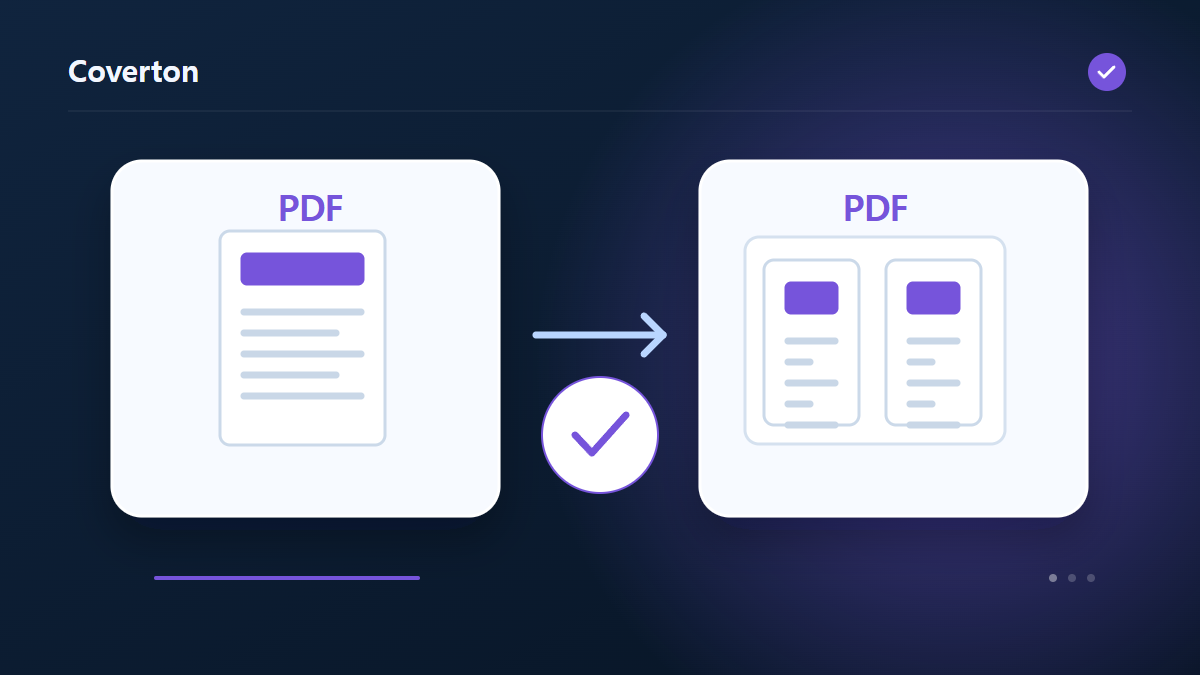
document PDF → landscape A4 booklet layoutExamples describe the workflow. Results depend on the source file and settings.
Check the saved result before using it
Inspect the outer and inner page arrangement, then duplex-print a small test and fold it. Start with short-edge flipping and verify text orientation and reading order on your actual printer.
If the result is different from what you expected
Upside-down backs or incorrect order usually require checking duplex orientation and printer output settings. The PDF is already imposed, so do not apply a second booklet arrangement in the print dialog.
Limits to keep in mind
- Impose on landscape A4 with blank padding to a multiple of four. Test duplex short-edge printing.
Continue with a related tool
This guide explains the public browser tool. Keep a copy of the original and inspect the result before sharing it.